Payments & cash drawer
Payments, dues and the daily cash drawer, sorted
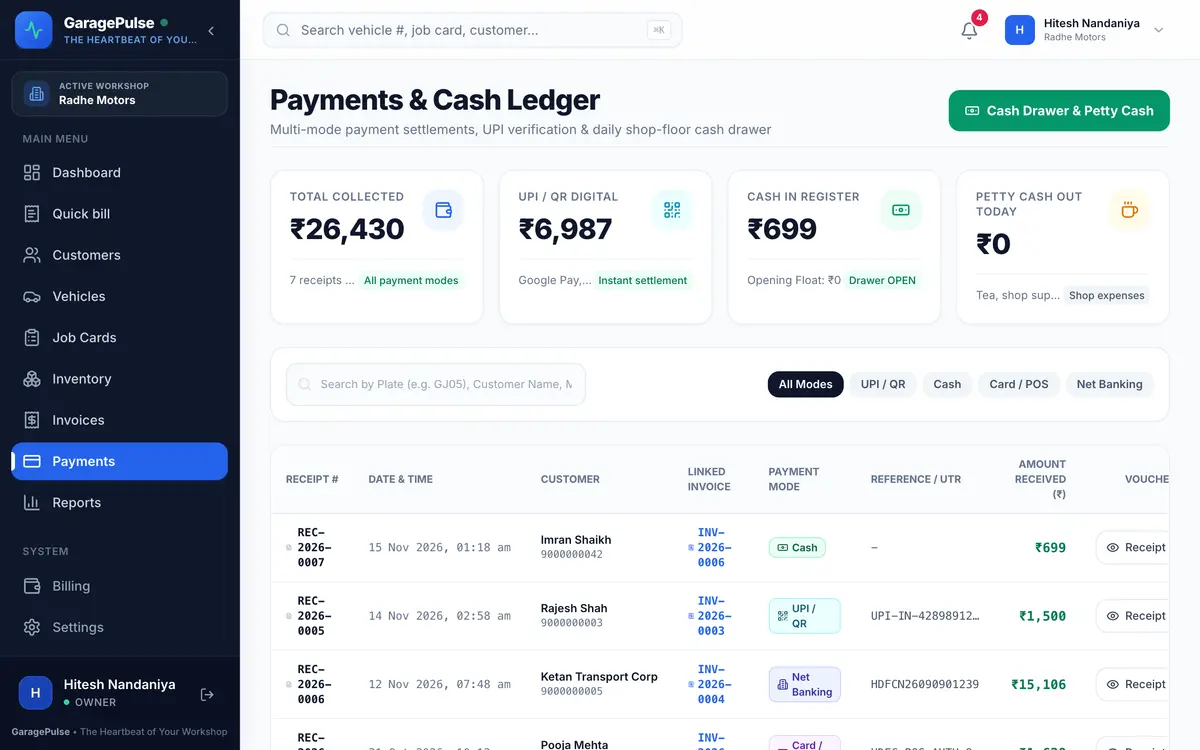
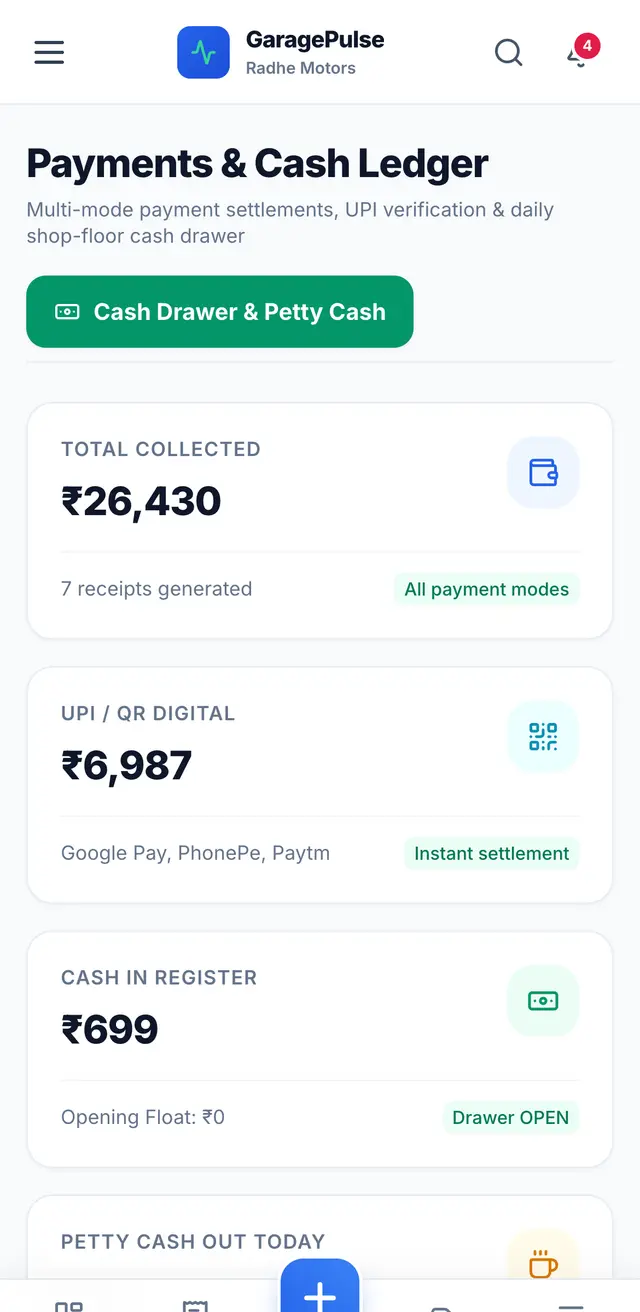
Know who has paid, who still owes you and how much cash should be in the drawer tonight. Every payment gets a receipt, and the day closes with the expected cash worked out for you.
At a glance
- Every payment method
- Cash, UPI, card, bank transfer and cheque, with reference numbers.
- Part payments
- Take money in parts; the balance due updates on the invoice.
- Receipts
- Numbered receipt for every payment, to print or send on WhatsApp.
- Refunds & credit
- Refund a payment or keep it as customer credit for the next visit.
- Outstanding dues
- See unpaid and part-paid invoices and the total you are owed.
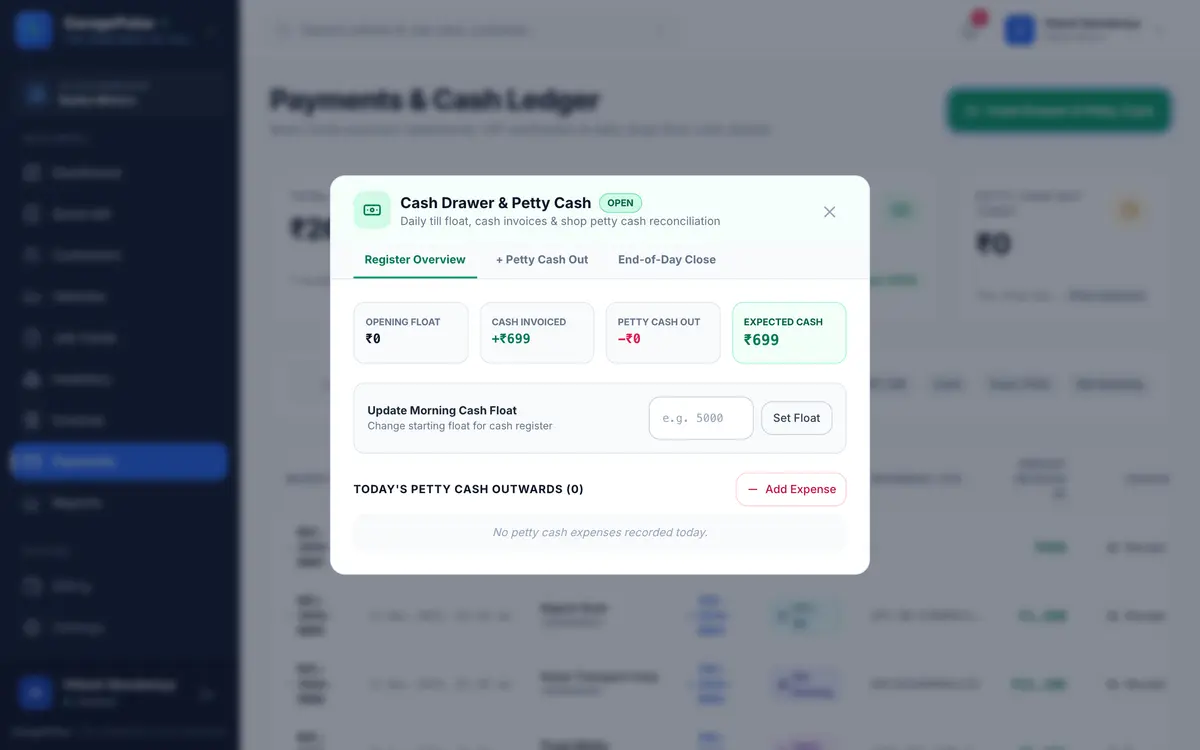
- Cash drawer (gulak)
- Opening cash, petty expenses, expected cash and end-of-day closing.
Payments
Record a payment in a few taps
Open the invoice, tap Record payment, choose the method and amount. Part payments are fine. The receipt is ready immediately, and the invoice shows paid, part-paid or due.
- UPI reference, card or cheque number saved with the payment
- Customer credit can pay the next bill
- Refunds are recorded as entries, never by deleting history
Cash drawer
Close the gulak in two minutes
Set the morning opening cash. Staff record petty expenses (tea, supplies, fuel, a local runner) with their name saved automatically. At closing, GaragePulse shows the cash you should have; count it, enter it and close the day.
- Expected cash = opening + cash received − expenses
- Only the owner or manager can set the float and close the day
- Every expense shows who recorded it and when
Good to know: GaragePulse records payments you receive. It does not collect money for you or send automatic payment reminders yet.
Try payments & cash drawer on tomorrow’s jobs
Every feature free for 14 days. No card, no installation — set up on your phone today.